Save highlights from physical books on your phone
It's like Kindle highlights but for physical books so that you never miss that great highlight.

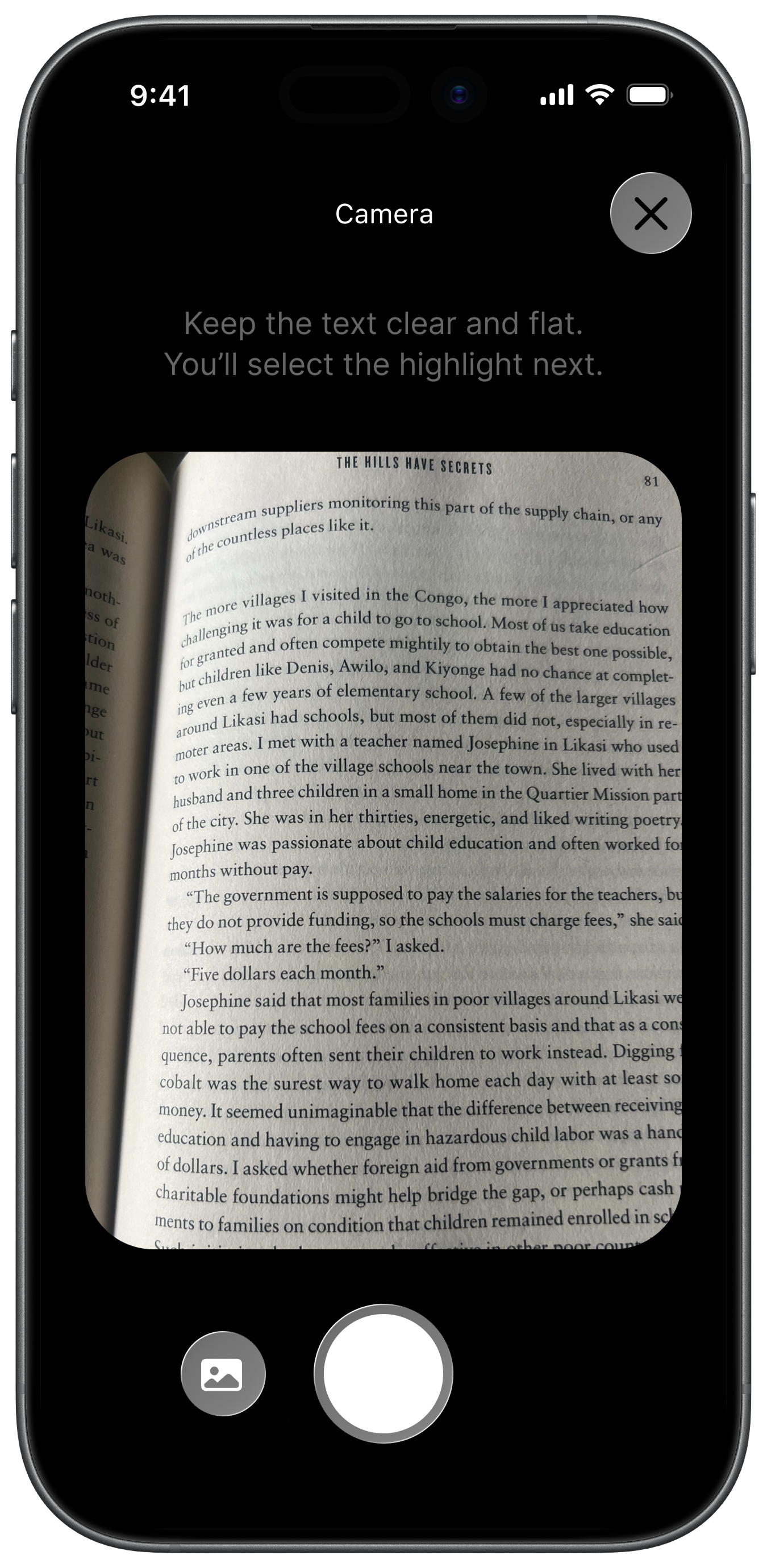
1. Scan your page
Point your phone at the book you're reading.
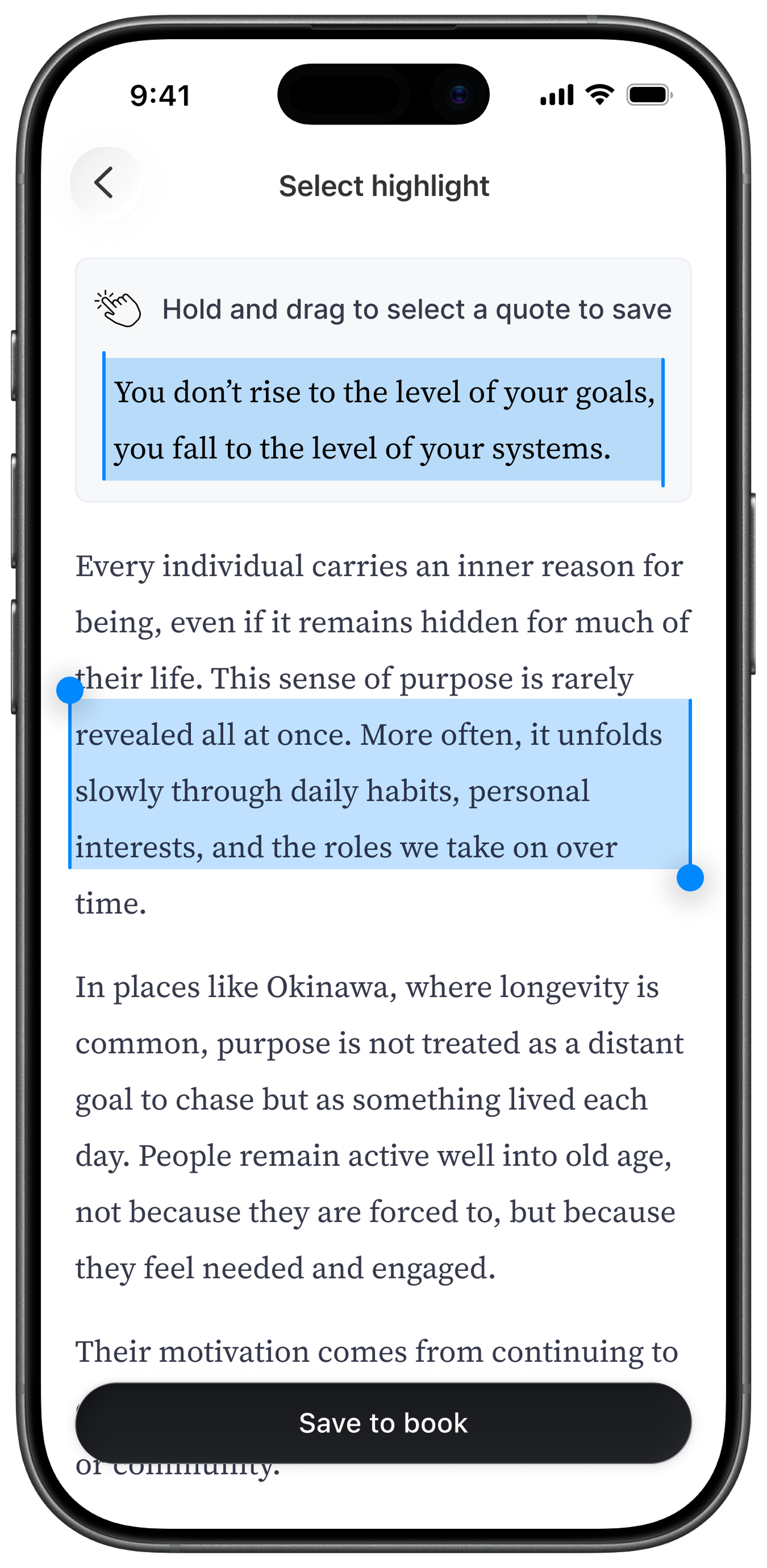
2. Scan the text you want
Select whatever you want to highlight.
3. Search or add your book manually
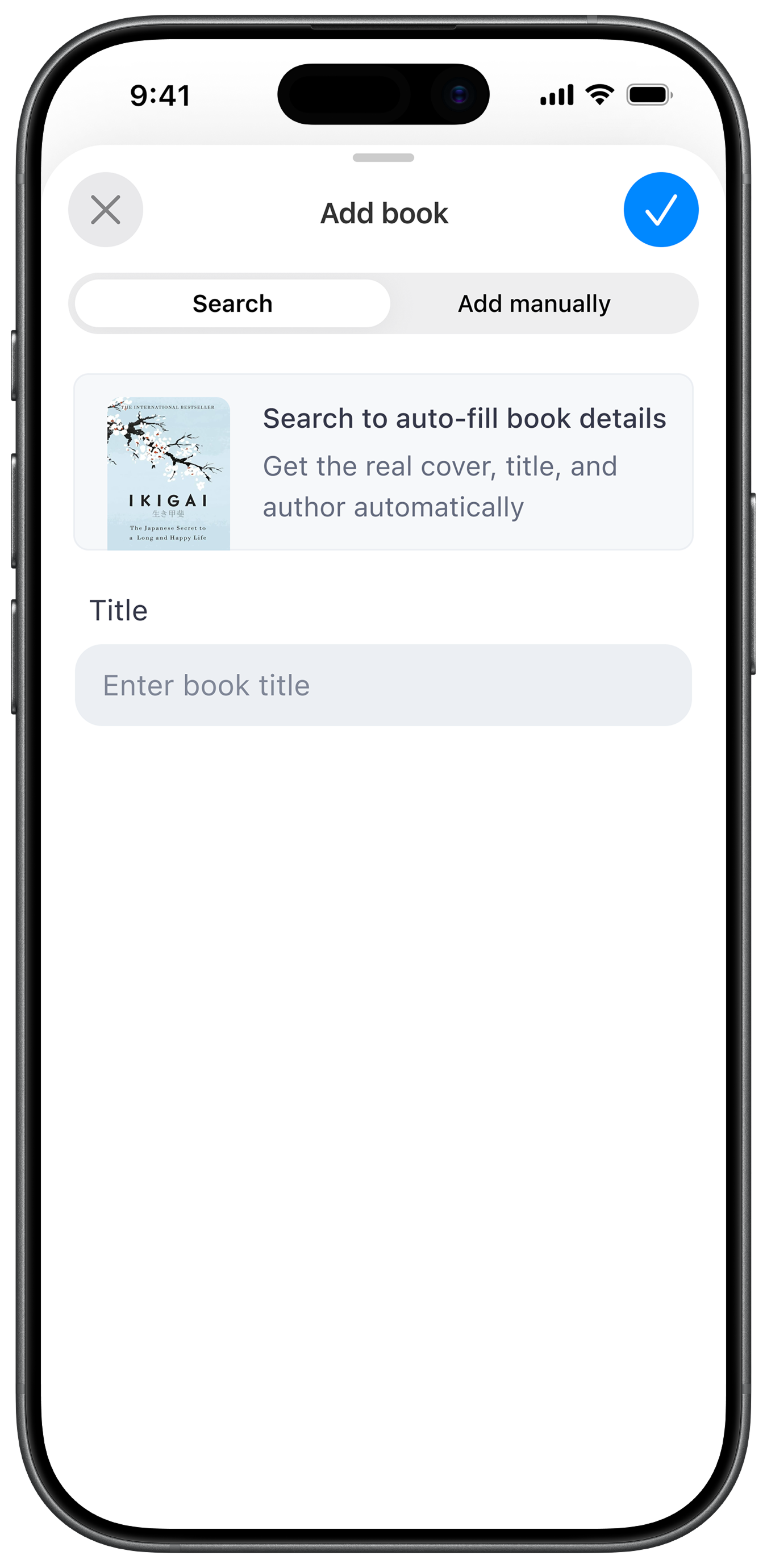
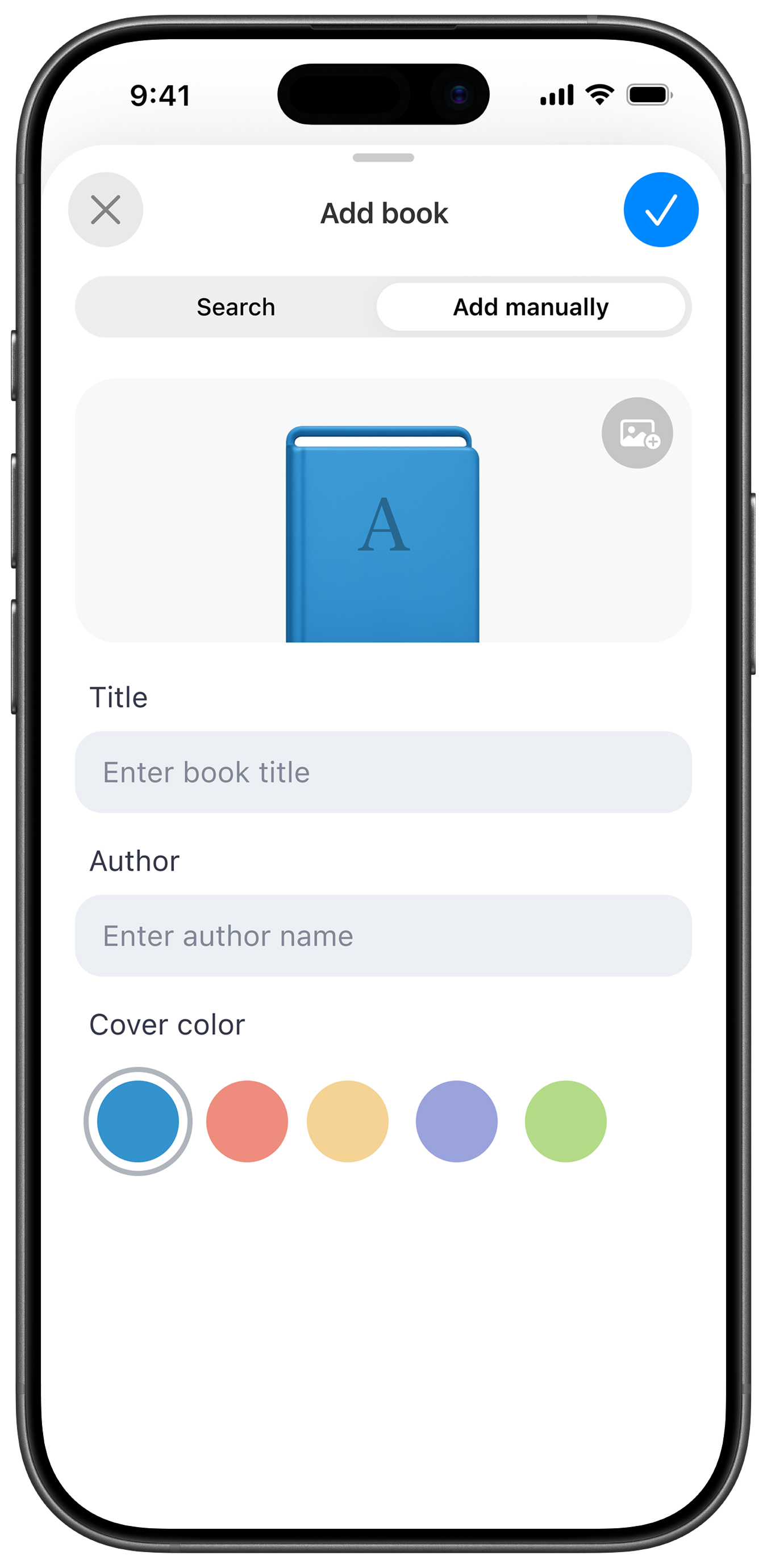
Search for a book to automatically add details like cover, title and author or add the book manually using our beautiful custom book feature.
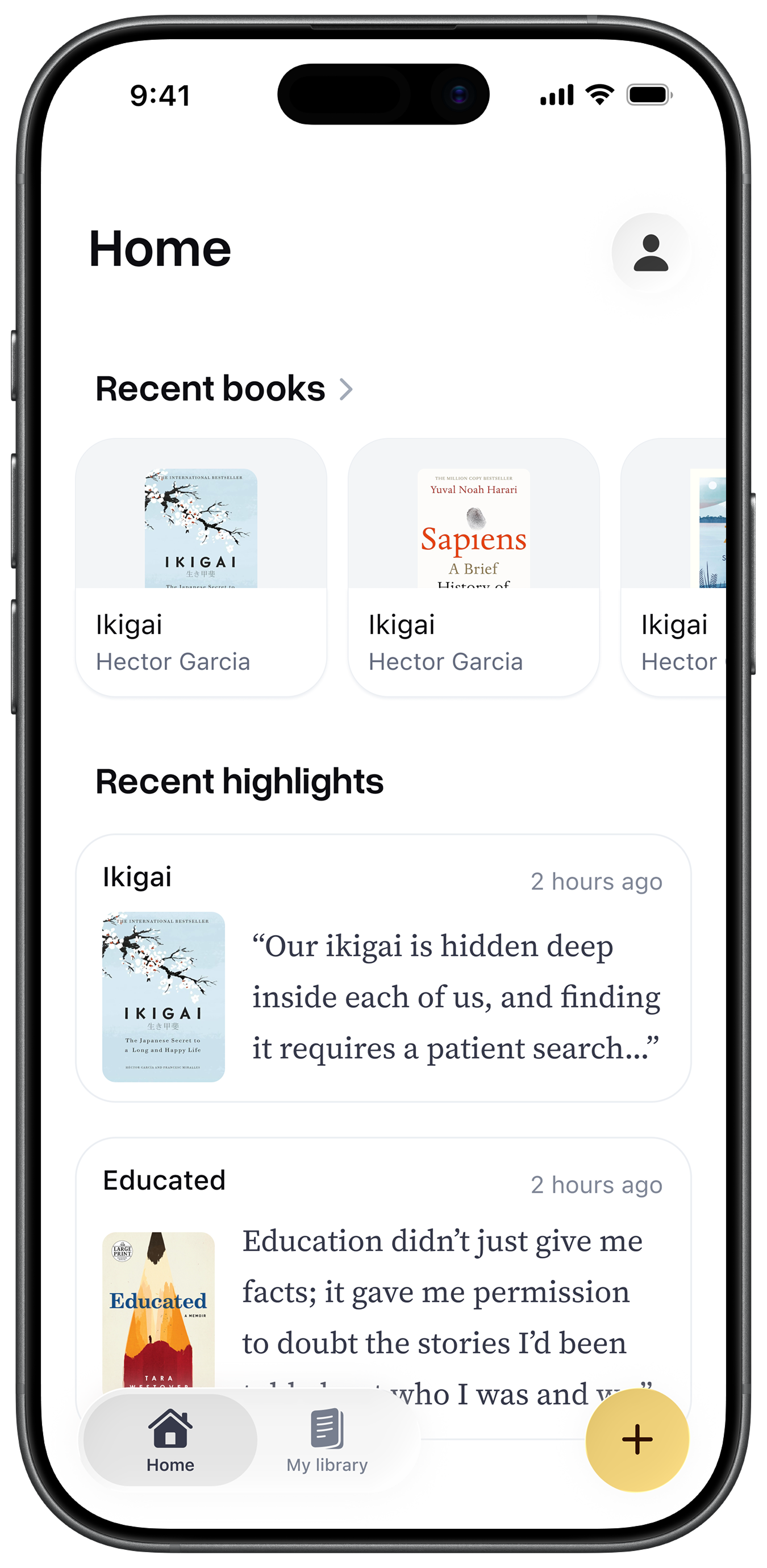
4. Organise your highlights
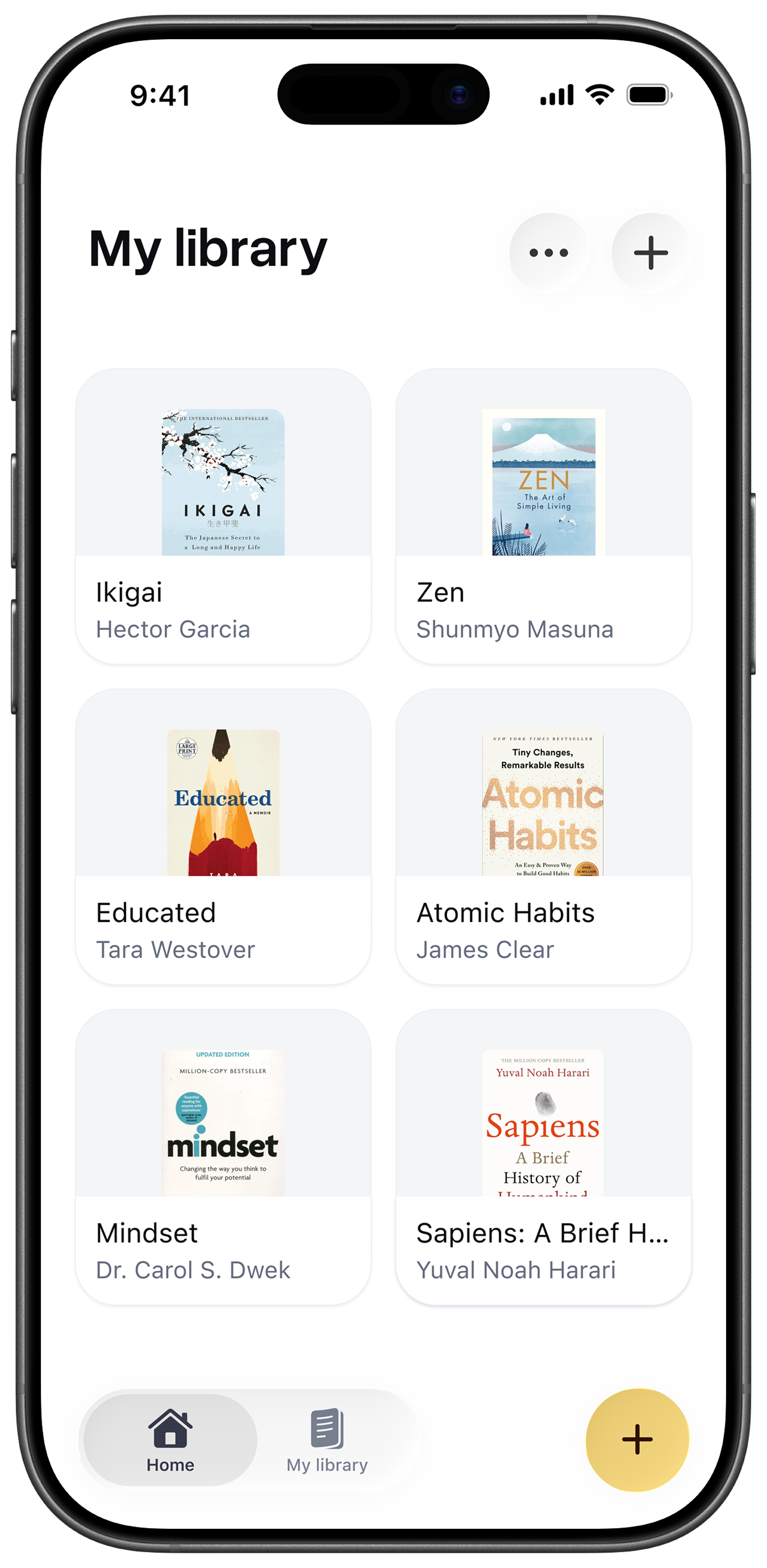
Neatly organise your highlights in your gallery of books.
Get Rememberly today
Start saving your highlights from physical books on your iPhone.